SpeedCube Rewards Loyalty Program
Earn points on every order and trade them for free cubes, lubes, mats, bags, and more.
Create a free SpeedCubeShop account, then click “Rewards” in the Support footer menu to open the Rewards panel and start earning.
How SpeedCube Rewards works
-
Join
Create a SpeedCubeShop account or log in, then click “Rewards” in the Support footer menu to open the Rewards panel. -
Earn
Shop, leave product reviews, connect with us on social, celebrate your birthday, and refer friends to earn Reward Points. -
Redeem
Open the Rewards panel any time to see your points balance and redeem points for free products, shipping, or money off.
Rewards, point values, and eligibility may change over time as we improve the program. The Rewards panel always shows the latest options.
Ways to earn Reward Points
Everyday earning
- Shop at SpeedCubeShop – 2 Reward Points for every $1 spent on eligible products.
Engagement bonuses
- Write a product review – 75 Reward Points per review, up to 20 reviews per customer. Spam or low-effort reviews may be rejected.
- Birthday gift – Add your birthday in the Rewards panel and receive 100 Reward Points each year on your birthday (when your date is saved at least 30 days in advance).
Social actions
- Follow on Instagram – 5 Reward Points
- Follow on X – 5 Reward Points
- Like on Facebook – 5 Reward Points
- Share on X – 5 Reward Points
- Share on Facebook – 5 Reward Points
Referrals
-
Refer a friend
Share your unique referral link from the Rewards panel. When your friend places their first qualifying order using your link, they receive a free Legacy Cube Bag reward, and you receive a special referral reward shown in your Rewards panel.
Rewards you can redeem
Here are the rewards currently available in SpeedCube Rewards:
- 150 points – Cube Bag
- 250 points – Lanyard
- 300 points – 5ml premium lube; or a $5 off coupon
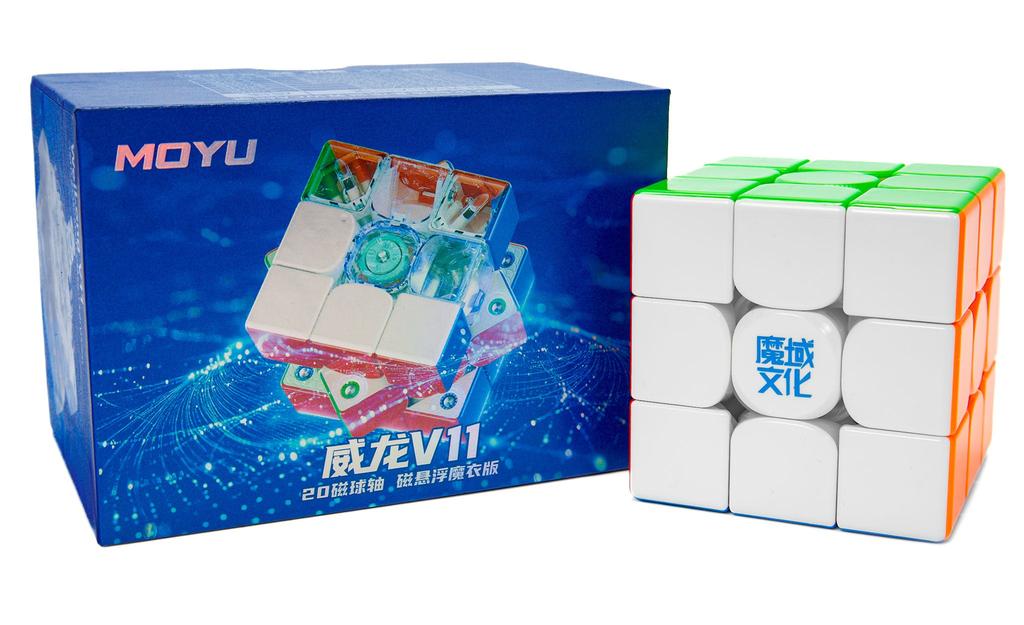
- 350 points – Mini mat; or MoYu MeiLong 3x3 Speed Cube
- 400 points – GAN 330 Mini 3x3 Keychain Cube; or Free Standard Shipping
- 500 points – Speed Cube Pro 3x3 Magnetic
- 600 points – Candy Cane 3x3 (Glow in the Dark) – Limited Edition
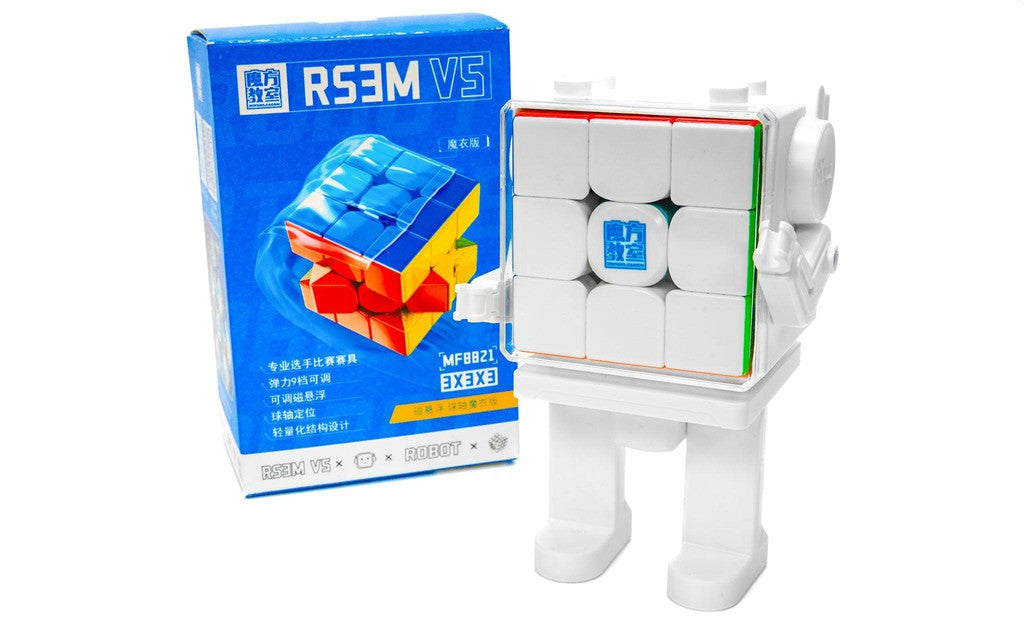
- 1200 points – JPerm RS3 M 2020 3x3 (Magnetic)
Availability of specific products, especially limited-edition items, can change based on stock. Always check the Rewards panel for the current reward list and point costs.
VIP tiers
Your VIP tier is based on the total Reward Points you’ve earned in SpeedCube Rewards (starting from the current program start date).
Bronze – 0+ points
- Earn 2 Reward Points for every $1 spent on eligible products
- Redeem points for free cubes, lubes, mats, bags, and more
- 100 Reward Points birthday gift each year (when your birthday is on file)
- Extra points for product reviews, social actions, and referrals
Silver – 400+ points
- All Bronze benefits
- Access to VIP-only rewards and offers (when available)
- Occasional bonus points events just for Silver & Gold members
- Early access to select drops, restocks, and sales
Gold – 1000+ points
- All Silver benefits
- Highest priority for VIP-only promos and early access
- Invitations to special Gold-only deals and events
- First to hear about select limited-edition collabs and releases
VIP perks and thresholds may evolve over time. The Rewards panel and program terms will always reflect the current setup.
Refer friends, cube together
Open the Rewards panel from the “Rewards” link in the Support footer menu to access your personal referral link. Share it with friends who love cubing:
- Your friend clicks your link and places their first qualifying order.
- Your friend receives a free Legacy Cube Bag reward.
- You receive a special referral reward, displayed in your Rewards panel.
Points expiry
Do Reward Points expire?
Yes. Unredeemed Reward Points expire 12 months after they’re added to your account. For example, points earned on November 18, 2025 will expire if they haven’t been used by November 18, 2026.
You’ll receive reminder emails before your points expire so you have time to redeem them. Once points expire, they can’t be restored.
Frequently Asked Questions
How do I join SpeedCube Rewards?
Create a free SpeedCubeShop account or log in, then click “Rewards” in the Support footer menu to open the Rewards panel and enroll.
How do I check my points balance and rewards?
Log in to your SpeedCubeShop account and scroll to the bottom of the site. Click “Rewards” in the Support footer menu to open the Rewards panel. You’ll see your current points balance, VIP tier, and available rewards there.
How do I redeem a reward?
- Open the Rewards panel from the “Rewards” link in the Support footer menu.
- Choose the reward you want to redeem.
- Click Redeem to generate a unique reward code.
- Copy the code and apply it at checkout.
The Rewards panel and your reward confirmation email will show any additional terms, such as expiry dates or minimum purchase amounts.
Can I earn points on every purchase?
You earn points on the product subtotal of eligible items. Certain products, discounts, taxes, and shipping charges may not be eligible for points. The exact calculation is handled automatically at checkout.
What happens if I return an order?
If you return items from an order, the points you originally earned from that purchase may be deducted from your balance. If you’ve already spent those points, your balance can go negative until you earn more.
How do I get help with my rewards?
If you have questions about your points, rewards, or VIP tier, please contact our support team and we’ll be happy to help.
Ready to start earning? Create your SpeedCubeShop account today and click “Rewards” in the Support footer menu after you log in to open the Rewards panel.


Popular right now